
IE777 Game is organised around a familiar mobile arrangement: a game lobby, account controls, a wallet, and promotional tools. Its main attraction is having those areas together on a phone. Whether that arrangement is useful depends on more than the look of the opening screen.
Before installing, check the Android package and consider what you intend to use. Casino-style games carry a risk of loss, and easy navigation does not turn them into a reliable way to earn money. Read the terms and decide on a spending limit before entering a paid section.
Look at the structure, not the sales pitch
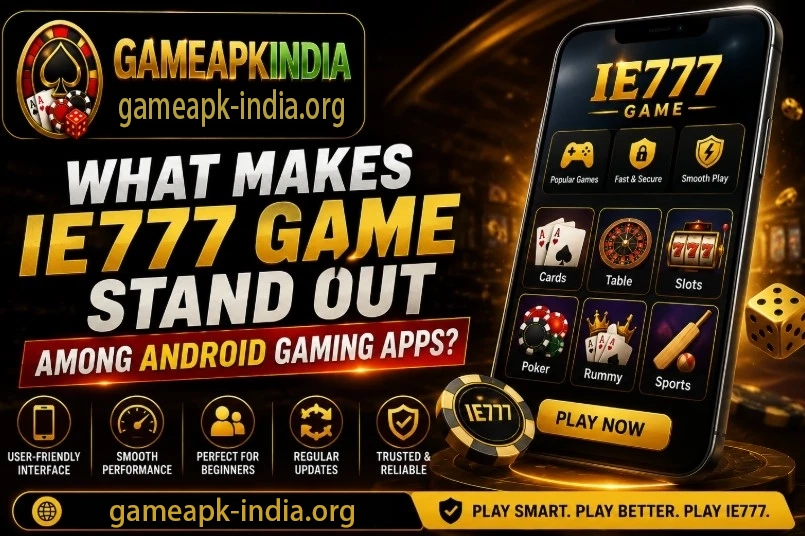
The app description emphasises accessible screens and an orderly layout. In practical terms, that means the lobby, wallet, and profile controls should be easy to find. It is a useful design aim, particularly when account information needs to be read on a smaller display.
That description does not establish how popular the app is or prove that its features are unique. It also does not measure performance on a particular phone. A review should separate the visible organisation of the app from claims about speed, safety, or results that require further evidence.
What to examine in each section
The game lobby
Find the instructions for a title before choosing a stake. Controls and rules can vary across the selection, even when the surrounding menu stays the same. Knowing how one game works is not enough to assume the next uses identical limits.
The account area
Review the setup requirements and make sure the saved information is understandable. Keep login details private. The current account rules should guide registration and access, rather than a screenshot or description from a different release.
The wallet
Read the available payment methods, limits, and checks before transferring funds. Follow the instructions shown in the verified wallet and compare the account details at confirmation. A convenient payment screen is useful only if its conditions are also clear.
Promotional tools
Inspect the active terms before participating in an offer. What appears in one account may not apply to another. The presence of promotions alongside games and payments should not be mistaken for a guaranteed financial benefit.
Prepare for an Android installation
Compare your Android version and available storage with the requirements for the current APK. The information here does not establish support for every phone. A recent release may change compatibility as well as the content available inside the app.
- Establish a verified download route before obtaining the package.
- Compare the file name and release details with the app information.
- Check device requirements and available space before starting setup.
- Read the installation instructions and requested permissions.
- Let the download finish completely before opening the installer.
Maintain the phone’s operating system, but check the APK requirements separately. Resolve missing or inconsistent file details before installing.
Take a first look without rushing into paid play
After installation, open the application and complete any required initial setup. Explore the main controls before using a financial feature. New users should be able to locate game rules, wallet history, and support, rather than relying solely on the first button presented.
Pay attention to how the app behaves on your own device and connection. A phone-focused interface can be approachable while still loading differently across handsets or networks. The description alone cannot settle how responsive it will feel in daily use.
If a payment condition or rule is unclear, pause and ask through the verified support channel. It is easier to make a considered choice before a transfer than to investigate the terms after committing money.
Read updates as specific changes
Later builds may contain bug fixes, compatibility changes, or new content. Check the release information to see which applies. A general promise of improved stability is not a guarantee that every issue on every phone has been resolved.
Obtain updates through a trusted source and check current requirements. A feature mentioned in an older guide may have changed.
Is it approachable for a newcomer?
The layout is intended to make the main functions manageable on a phone. That can help a beginner find their way around, but familiarity with the menus is different from understanding casino rules. Set both a time boundary and an entertainment budget before trying paid games.
Stop at those limits and treat any deposit as money that could be lost. Private credentials and a genuine installer are useful account precautions; neither can guarantee the result of a round.
The questions that matter most
Can it be installed on any Android device?
No universal compatibility is established. Compare the current release requirements with the phone before downloading, and recheck them if an update changes support.
Does a simple design make it the best choice?
A clear layout is one consideration, not a complete recommendation. The device fit, account conditions, payment information, and your own spending limits all need to make sense before using the app.
Author

Kavya Sharma
Kavya Sharma manages the editorial process at Top1 Gamer. She plans the site’s coverage, reviews drafts, and checks published guides about Android games, APK releases, setup instructions, account tools, app features, and troubleshooting. Her role is to make sure each article gives readers clear information they can use, without burying the important points under promotional language.
Before a guide goes live, Kavya looks at its structure, verifies key instructions, and checks whether the wording is easy to follow on a phone. She also revisits older articles when an application changes its version, installation route, login process, or available features. This keeps the site’s advice closer to what users are likely to see.
Her reviews cover installation, updates, sign-in problems, game functions, common errors, and frequently asked questions. She pays particular attention to clarity, relevance, and responsible app use, especially when a download comes from outside a major app store.
Kavya’s goal is to publish dependable guides that make Android gaming apps less confusing for readers in India and elsewhere.